Gray Wolf Gaming First Deposit: How to Add Pesos Using GCash, Maya, and Bank Transfer
Gray Wolf Gaming First Deposit: How to Add Pesos Using GCash, Maya, and Bank Transfer
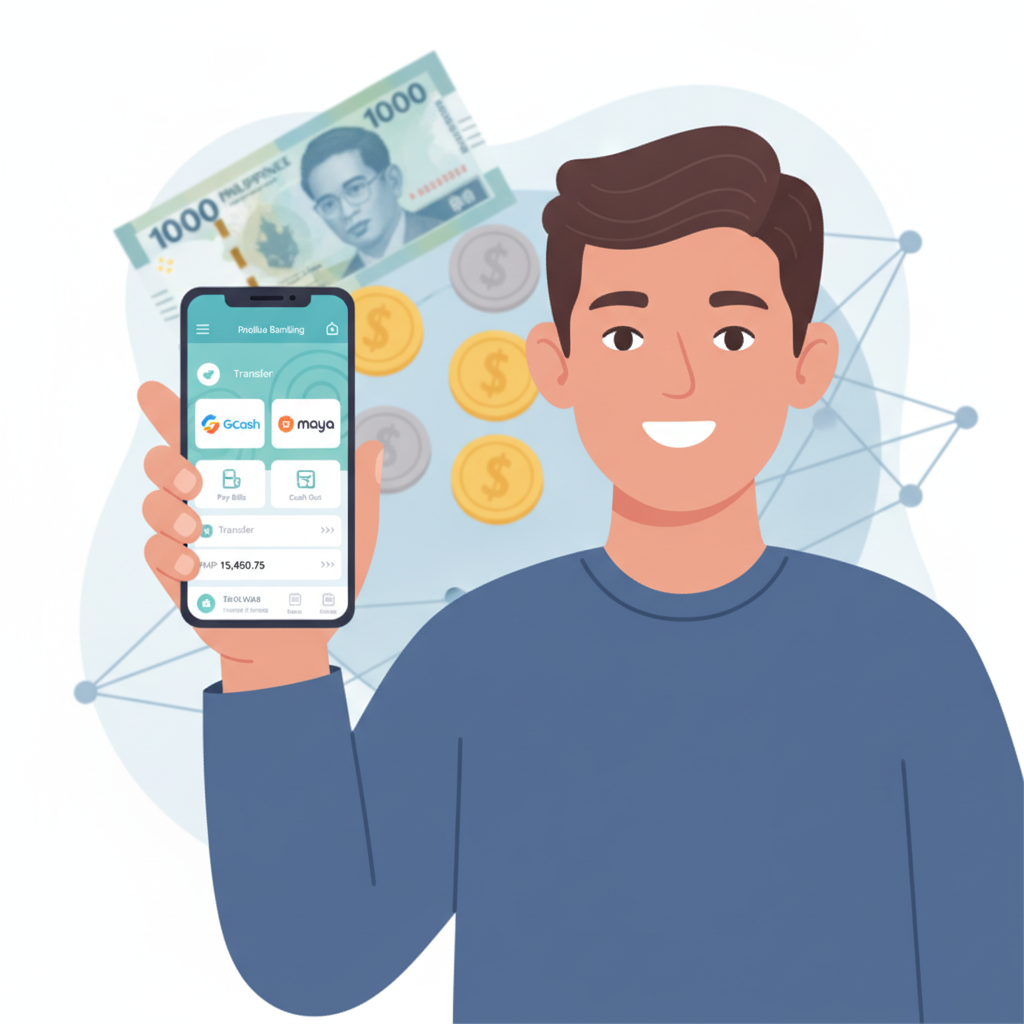
Once you've completed your Gray Wolf Gaming register process, the next step is adding funds to your account. Gray Wolf Gaming accepts deposits through the payment methods most Filipino players already use: GCash, Maya, and bank transfers via InstaPay and PESONet. This guide walks you through each option so you can fund your account and start playing slots, live dealer games, or betting on PBA and NBA matches.
This is an independent guide. Gray Wolf Gaming is a separate platform. Always verify current deposit methods and limits directly on their site before transacting.
Minimum Deposit Amounts at Gray Wolf Gaming
Gray Wolf Gaming sets minimum deposit thresholds that suit both casual players and those planning larger sessions. The typical minimum deposit is PHP 100, making it accessible if you're testing the platform or playing low-stakes slots and bingo.
For e-wallet deposits through GCash and Maya, the minimum usually starts at PHP 100. Bank transfers via InstaPay or PESONet may have slightly higher minimums—often PHP 200 or PHP 300—depending on the bank and the platform's current payment-processor agreements.
Maximum deposit limits vary by method. E-wallets like GCash and Maya often cap single transactions at PHP 10,000 to PHP 50,000, while bank transfers through InstaPay and PESONet can support larger amounts for players who prefer to fund their accounts less frequently.
Before you deposit, double-check the exact minimums and maximums listed in the cashier or deposit section of your Gray Wolf Gaming account. Payment processors occasionally adjust limits, and the platform may run special promotions that temporarily change thresholds.
Step-by-Step: Depositing with GCash from Your Mobile Phone
GCash is the most popular e-wallet in the Philippines, and Gray Wolf Gaming integrates it directly into the deposit flow. Here's how to add pesos using GCash:
1. Log in to your Gray Wolf Gaming account
Open the Gray Wolf Gaming site or app on your Android phone. Tap the login button and enter your registered mobile number or email and password. If you've enabled two-factor authentication, complete that step.
2. Navigate to the Cashier or Deposit section
Look for a "Deposit," "Cashier," or "Add Funds" button, usually in the top-right menu or account dashboard. Tap it to see the list of available payment methods.
3. Select GCash as your deposit method
Choose GCash from the list. The platform may display the current minimum (typically PHP 100) and maximum deposit limits for GCash transactions.
4. Enter the amount you want to deposit
Type the peso amount. Make sure it falls between the minimum and maximum limits. The platform will show any fees—most GCash deposits at Gray Wolf Gaming are processed without extra charges, but confirm on the screen.
5. Confirm and authorize the transaction
Tap "Confirm" or "Proceed." You'll be redirected to the GCash app or a GCash web gateway. Log in to your GCash account using your MPIN.
6. Complete the payment in GCash
Review the transaction details: the amount, recipient (Gray Wolf Gaming or its payment processor), and any reference number. Tap "Pay" or "Confirm" in GCash. You'll receive a confirmation message in GCash once the payment is sent.
7. Return to Gray Wolf Gaming and check your balance
After completing the GCash payment, the Gray Wolf Gaming app or site should redirect you back automatically. Your new balance typically appears within seconds to a few minutes. If it takes longer than five minutes, refresh your account page or contact Gray Wolf Gaming support with your GCash transaction reference.
GCash deposits are instant most of the time, so you can start playing slots or placing sports bets right away.
How to Fund Your Account Using Maya E-Wallet
Maya (formerly PayMaya) is another widely used e-wallet in the Philippines. The deposit process is nearly identical to GCash:
1. Log in to Gray Wolf Gaming
Enter your credentials on mobile or desktop. Complete any two-factor authentication if prompted.
2. Open the Cashier or Deposit page
Tap the deposit button in your account menu.
3. Choose Maya from the payment options
Select Maya. The platform will display the minimum deposit (usually PHP 100) and the maximum for Maya transactions.
4. Enter your deposit amount
Type the number of pesos you want to add. Stay within the displayed limits.
5. Proceed to Maya authorization
Tap "Confirm." The platform redirects you to the Maya app or a Maya payment page. Log in with your Maya credentials (MPIN, password, or biometric login).
6. Review and confirm in Maya
Check the recipient name (Gray Wolf Gaming or its payment gateway), the amount, and the reference code. Tap "Pay" or "Confirm."
7. Wait for confirmation
Maya sends a confirmation message once the payment is processed. You'll be redirected back to Gray Wolf Gaming, and your balance should update within a few moments. If you don't see the funds after five minutes, refresh your account or reach out to support with your Maya transaction reference number.
Maya deposits are fast and convenient, especially if you already use Maya for bills, online shopping, or other transactions.
Using InstaPay and PESONet Bank Transfers for Larger Deposits
If you prefer to deposit directly from your bank account—or if you're adding a larger amount that exceeds e-wallet limits—Gray Wolf Gaming supports InstaPay and PESONet bank transfers.
InstaPay
InstaPay is the real-time bank-to-bank transfer network in the Philippines. Transactions process within seconds, and the daily cap per sender is PHP 50,000 (as of 2025, but check your bank's current limit).
1. Log in to Gray Wolf Gaming and go to the Cashier
Select "Bank Transfer" or "InstaPay" from the deposit methods.
2. Enter your deposit amount
Type the peso amount. InstaPay minimums at Gray Wolf Gaming are often PHP 200 or PHP 300.
3. Note the platform's bank details
Gray Wolf Gaming will display the recipient bank account name, account number, and bank name. Write these down or screenshot them. You may also see a unique reference code or player ID to include in your transfer.
4. Open your bank app or online banking
Log in to your own bank's mobile app or website. Go to "Send Money," "Transfer," or "InstaPay."
5. Add Gray Wolf Gaming's bank account as the recipient
Enter the account number and bank name provided by Gray Wolf Gaming. Most banks let you save this recipient for future deposits.
6. Enter the amount and reference code
Type the same peso amount you entered on Gray Wolf Gaming. If the platform gave you a reference number or your account username, include it in the transfer notes or remarks field.
7. Confirm and send
Review the details and authorize the transfer using your bank app PIN, password, or biometric login. InstaPay transfers are typically instant, so your Gray Wolf Gaming balance should update within one to five minutes.
8. Upload proof of payment if required
Some platforms ask you to upload a screenshot of your bank's confirmation receipt. Check the Gray Wolf Gaming deposit page for instructions. If uploading is needed, snap a clear photo showing the amount, date, recipient, and transaction reference.
PESONet
PESONet is another bank-to-bank network in the Philippines. Unlike InstaPay, PESONet is a batch-processing system: transfers are completed in windows throughout the banking day (usually 9:00 AM, 12:00 PM, 3:00 PM, and 5:00 PM on weekdays). PESONet deposits take longer but can handle larger amounts—limits are often PHP 500,000 per transaction.
1. Start the deposit on Gray Wolf Gaming
Choose "Bank Transfer" or "PESONet" in the cashier. Enter your desired deposit amount.
2. Get the recipient account details
Gray Wolf Gaming displays the bank name, account number, account name, and any reference code you need to include.
3. Log in to your bank app or online banking
Navigate to "Send Money" and select "PESONet" (sometimes labeled "Fund Transfer to Another Bank").
4. Add the recipient and amount
Enter Gray Wolf Gaming's account details. Type the peso amount and include your player ID or reference code in the notes.
5. Submit the transfer
Confirm the transaction. Your bank will process it in the next PESONet batch window.
6. Wait for the funds to appear
PESONet deposits usually credit within a few hours on weekdays. If you send the transfer after banking hours or on a weekend, expect the funds to arrive on the next business day.
7. Check your Gray Wolf Gaming balance
Refresh your account once the batch window has passed. If the funds don't appear by the next batch, contact support with your bank's transaction receipt.
InstaPay is faster and better for amounts up to PHP 50,000. PESONet suits players making larger one-time deposits or those whose bank offers lower fees for PESONet over InstaPay.
Responsible Gambling Note: Only Deposit What You Can Afford to Lose
Gray Wolf Gaming is designed for entertainment, but all casino games and sports betting carry financial risk. Before you deposit, set a personal budget—decide how much you can afford to spend without affecting your rent, bills, groceries, or savings.
Tips for safer play:
- Deposit in small amounts: If you're new to online casinos, start with the PHP 100 or PHP 200 minimum. This gives you time to explore slots, live dealer tables, and sports betting without overspending.
- Use deposit limits: Check if Gray Wolf Gaming offers daily, weekly, or monthly deposit caps in your account settings. Setting a limit helps you stay within your budget.
- Track your spending: Review your transaction history regularly. If you notice you're depositing more often than planned, take a break.
- Never chase losses: If you lose a session, resist the urge to deposit again immediately. Walk away, cool off, and come back another day.
- Know the signs of problem gambling: If gambling starts to stress you out, interfere with work or relationships, or feel out of control, reach out for help. Organizations like BeGambleAware and local Philippine counseling services offer confidential support.
Gray Wolf Gaming is for players aged 21 and over only. Underage gambling is illegal and harmful. Always verify your age during registration and keep your account secure.
You now know how to make your first deposit at Gray Wolf Gaming using GCash, Maya, InstaPay, and PESONet. Each method is straightforward once you understand the steps, and most deposits credit your account within minutes. Choose the option that fits your budget, check the minimums and limits, and always play responsibly. Good luck, and remember to gamble only what you can afford to lose.